
Top 10 AI Tools for Graphic Design in 2026
Canva, Adobe Firefly, Midjourney and seven more AI design tools, with key features and who each one suits.

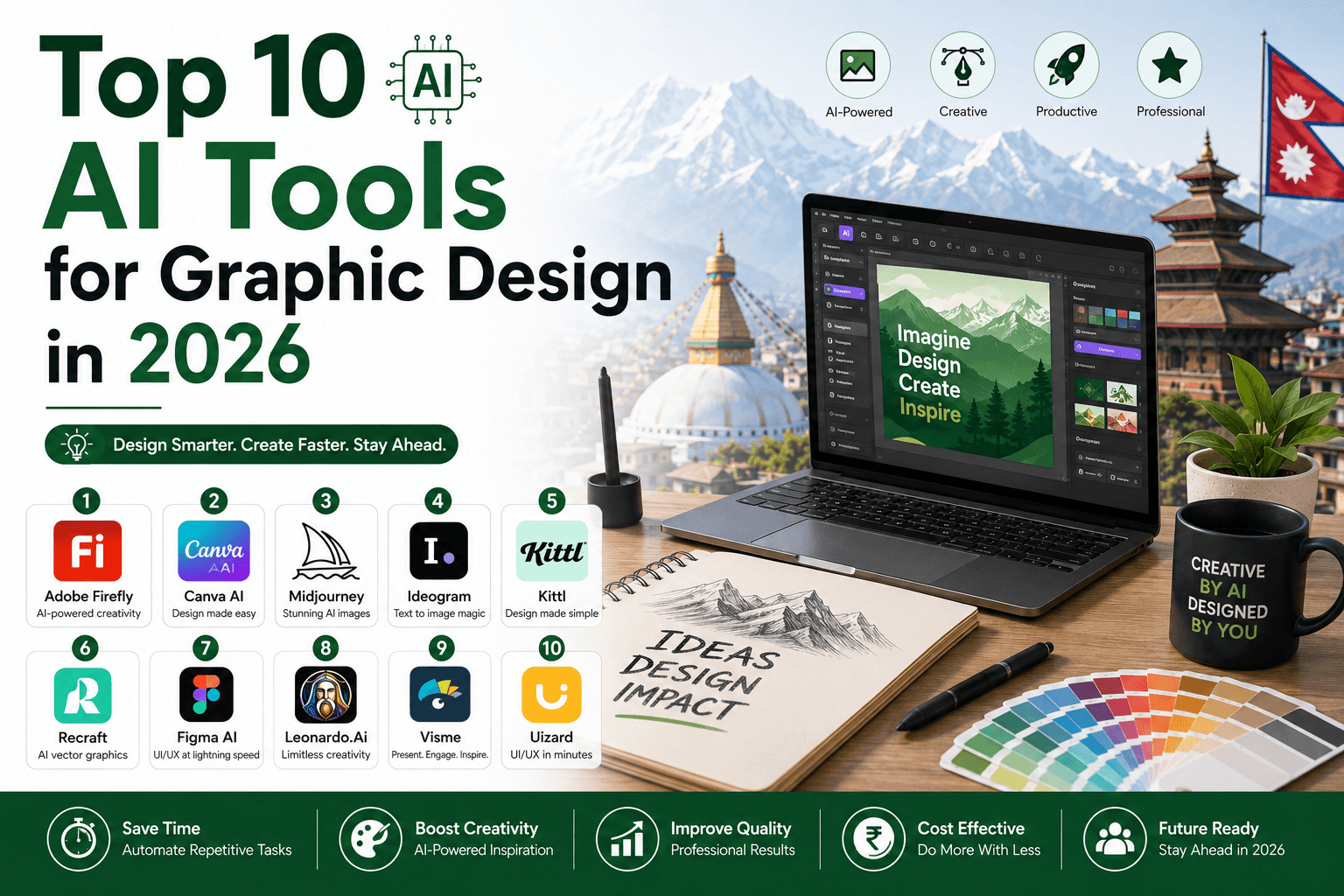
Artificial Intelligence (AI) is transforming the world of graphic design faster than ever before. From creating stunning visuals in seconds to automating complex editing tasks, AI-powered design tools are helping designers, marketers, content creators, and businesses work smarter and faster.
Whether you are a beginner or a professional designer, AI tools can boost creativity, save time, and improve design quality. In this article, we explore the top 10 AI tools for graphic design in 2026 that are revolutionizing the creative industry.
Quick list
- Canva AI: easiest all-rounder
- Adobe Firefly: professional generative design
- Midjourney: artistic images
- Figma AI: UI/UX design
- Leonardo AI: game assets and illustration
- Designs.ai: all-in-one creative suite
- Looka: logos and brand kits
- Runway ML: graphics plus video
- DALL·E: text-to-image
- Khroma: colour palettes
1. Canva AI
Canva AI has become one of the most popular design platforms in the world. Its AI-powered features like Magic Design, AI image generation, background remover, and instant content suggestions make designing incredibly easy. Business owners can read how it fits with other tools in our guide to AI tools every business owner in Nepal should use.
Key features:
- AI-powered templates
- Text-to-image generator
- One-click background remover
- Social media post creation
- Video editing tools
Best for: Beginners, social media managers, and content creators.
2. Adobe Firefly
Adobe Firefly is a game-changing AI tool developed by Adobe. It allows users to create professional-quality graphics using simple text prompts.
Key features:
- AI image generation
- Text effects
- Generative fill
- Seamless integration with Photoshop and Illustrator
Best for: Professional designers and creative agencies.
3. Midjourney
Midjourney is famous for creating highly artistic and realistic AI-generated images. Designers use it to create concept art, posters, branding visuals, and digital illustrations.
Key features:
- High-quality artistic outputs
- Creative style variations
- Detailed visual rendering
- Fast image generation
Best for: Digital artists and creative professionals.
4. Figma AI
Figma AI helps UI/UX designers streamline their workflow with smart suggestions, auto-layouts, and AI-generated design components.
Key features:
- Smart prototyping
- AI layout suggestions
- Team collaboration
- UI automation tools
Best for: UI/UX designers and web developers.
5. Leonardo AI
Leonardo AI is becoming increasingly popular for generating game assets, illustrations, and creative design elements.
Key features:
- AI art generation
- High-resolution outputs
- Custom AI models
- Fast rendering
Best for: Game designers and illustrators.
6. Designs.ai
Designs.ai is an all-in-one AI creative suite that helps users create logos, videos, graphics, and voiceovers in minutes.
Key features:
- AI logo maker
- Video generator
- AI speech tools
- Brand kit creation
Best for: Startups and small businesses.
7. Looka
Looka specializes in AI-powered logo and branding design. It helps businesses build professional brand identities instantly, which is useful when you are starting a small business in Nepal on a tight budget.
Key features:
- AI logo generation
- Brand identity kits
- Business card design
- Social media branding
Best for: Entrepreneurs and startups.
8. Runway ML
Runway ML combines AI graphics and video editing into one powerful platform. It is widely used for content creation and visual storytelling. More video options are in our list of the top AI tools for video editing.
Key features:
- AI video editing
- Motion graphics
- Green screen removal
- Image enhancement
Best for: Video creators and multimedia designers.
9. DALL·E
DALL·E is one of the most advanced AI image generation tools capable of turning simple text into highly detailed visual artwork.
Key features:
- Text-to-image creation
- Realistic artwork generation
- Creative concept design
- Fast rendering
Best for: Creative experimentation and concept art.
10. Khroma
Khroma uses AI to generate personalized color palettes based on user preferences. It helps designers create visually attractive branding and UI designs.
Key features:
- AI color palette generator
- Personalized suggestions
- Branding support
- Typography pairing
Best for: Brand designers and UI creators.
Why AI is important in graphic design
AI is not replacing designers, it is empowering them. These tools help automate repetitive tasks, generate ideas instantly, and increase productivity. Designers can now focus more on creativity and storytelling while AI handles technical work.
Benefits of AI in graphic design:
- Faster workflow
- Increased creativity
- Cost-effective solutions
- Time-saving automation
- Better design consistency
Made a share image for your website? Check how it will look on Facebook, X and LinkedIn with our free Meta Tag & Share Preview tool.
Using these tools from Nepal
Many of these tools have a free plan or a free trial, which is enough to test them. Paid plans are billed in US dollars, so you will need a dollar card from a Nepali bank. Nepal Rastra Bank sets a yearly limit on how much you can spend with it, so start with one paid tool, not five.
Final thoughts
The future of graphic design is heavily connected with Artificial Intelligence. As AI technology continues to evolve, designers who learn to use these tools effectively will stay ahead in the creative industry.
Whether you are creating logos, social media posts, digital art, UI/UX designs, or marketing content, these top AI graphic design tools can help you produce stunning visuals with less effort and more innovation.
Start exploring these AI tools today and take your graphic design skills to the next level.
Related guides
Join the Discussion
Share your thoughts and engage with our community.
Loading comments...
Log in to join the discussion
Register on the platform, verify your email, then comment on this article.